
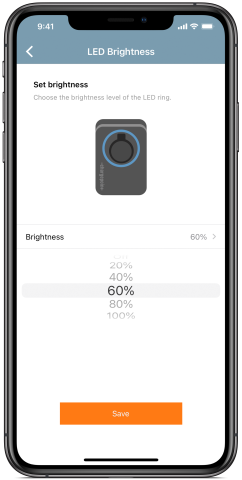
Whether you install your ChargePoint Home Flex inside or out, you have the option to adjust the brightness of the LED status ring and Wi-Fi indicator. It’s easy to adjust the brightness by following these steps:
1
Activate your ChargePoint Home Flex if you haven’t already.
2
In the ChargePoint app, open the main menu and select Home Charger.
3
Choose Settings.
4
Tap LED Brightness and select the % to adjust the brightness of the LED status ring and Wi-Fi indicator. The default brightness is set to 100%.
Works with: ChargePoint Home Flex (CPH50) and ChargePoint Home (CPH25)
Share this


